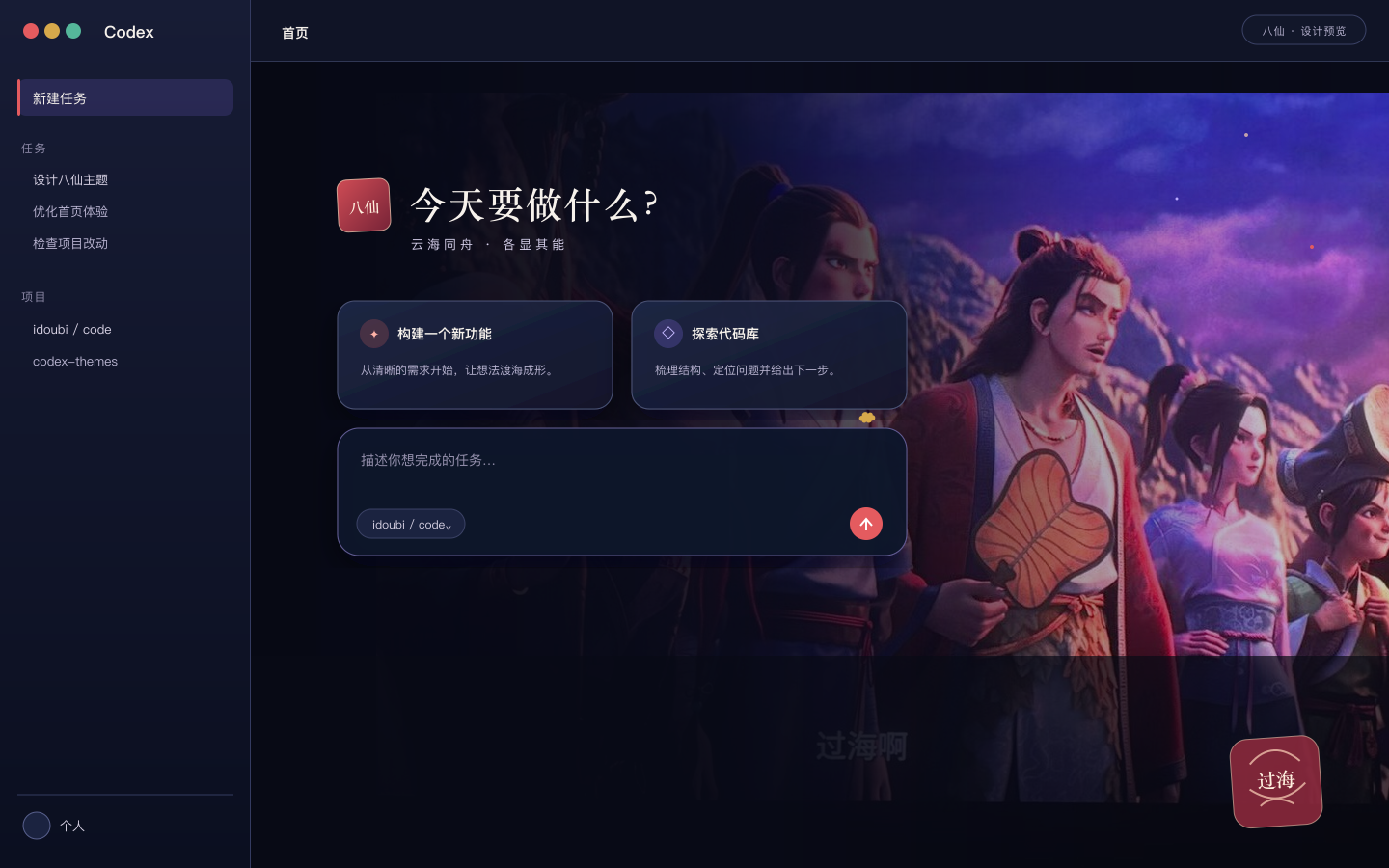
八仙
Ink-blue panels and vermilion light around a native Codex workspace.
CODEX THEME LIBRARY
Browse visual directions, download the installer Skill directly, then hand a selected published theme to Codex. No manual app patching and no mystery archive.
PUBLISHED THEME PACKS
Each card links to its source listing. For a published package, the action copies an exact prompt for Codex to install and apply that theme.
Ink-blue panels and vermilion light around a native Codex workspace.
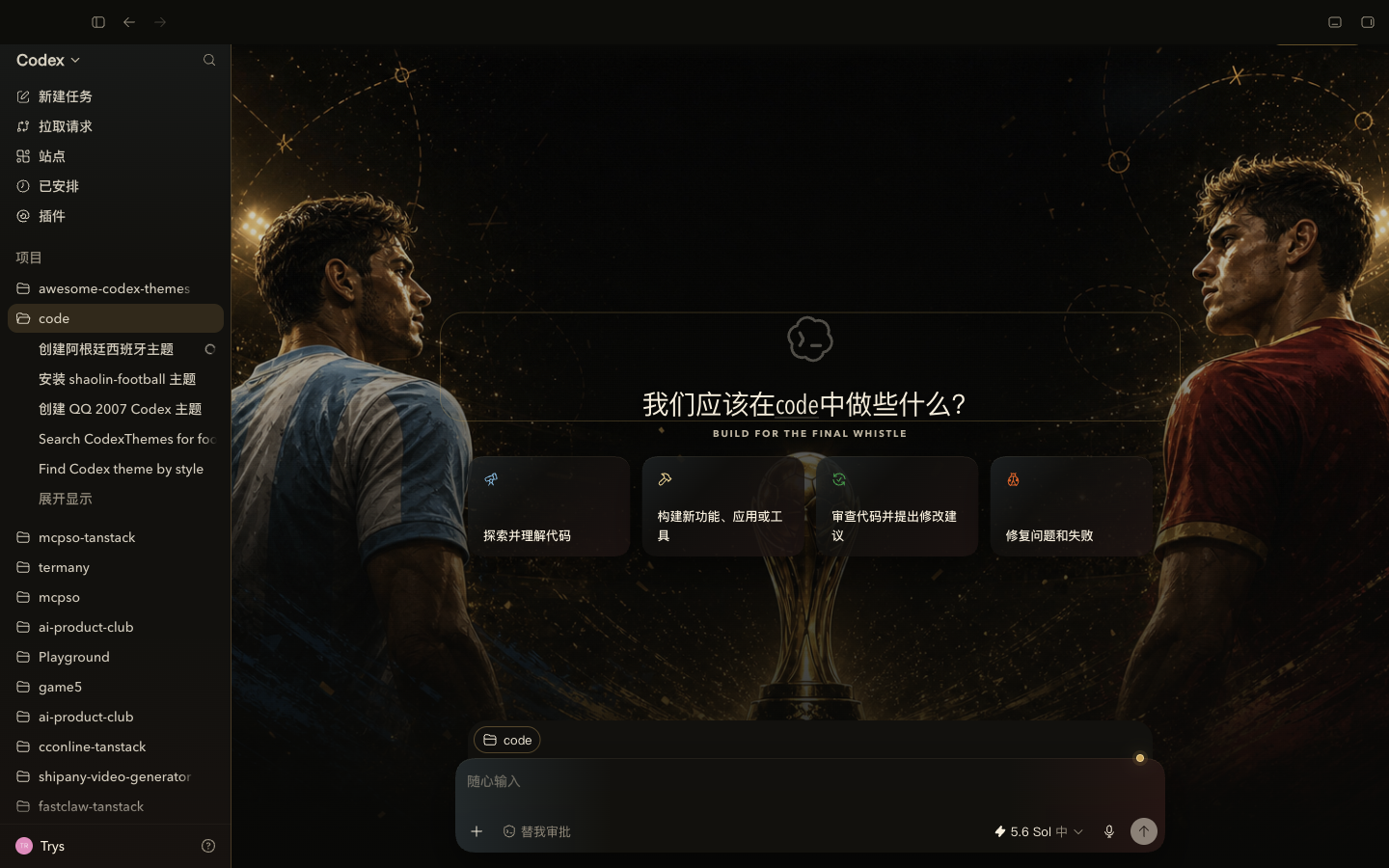
A cinematic black-and-gold final, split by sky blue and crimson.
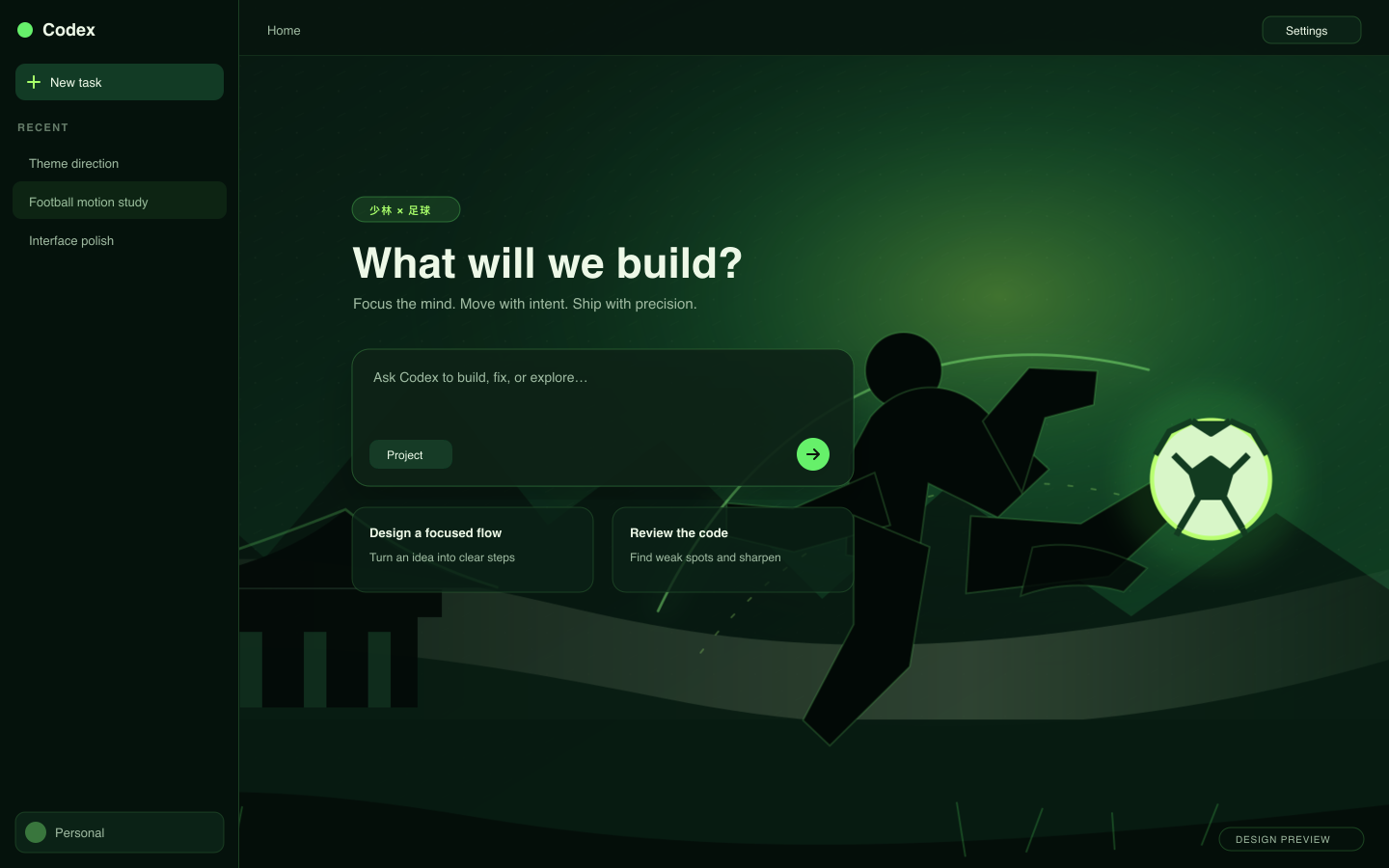
Dark green martial-arts energy with a calm, high-contrast workspace.
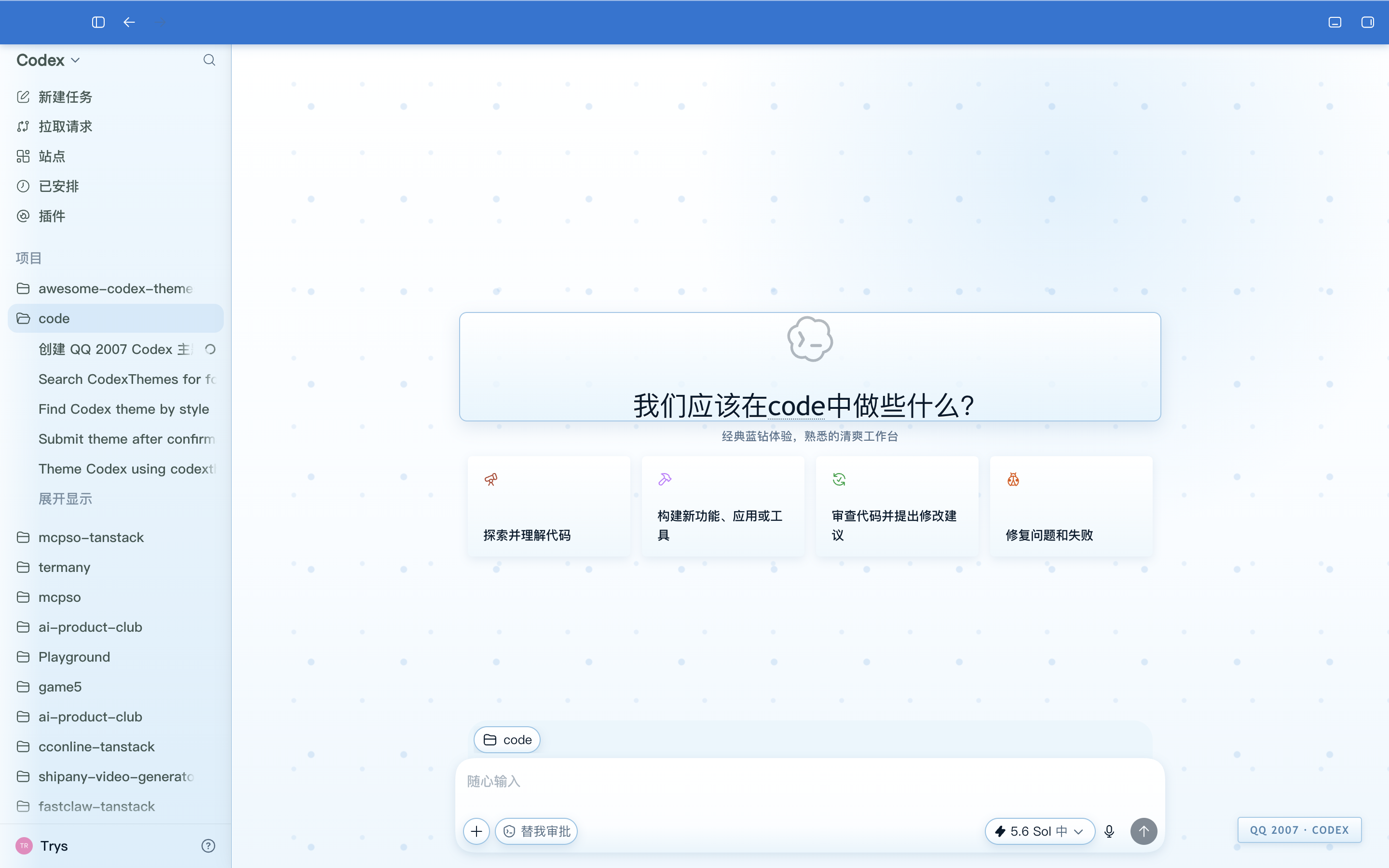
Bright blue glass and ice inspired by a cheerful desktop revival.

A public-safe light fortune pack designed for warmth and low strain.

Midnight commerce energy for analytics and operations work.
DIRECTLY USABLE IN CODEX
Download the installer Skill directly from this site. Then paste the second prompt into Codex to apply the selected published CodexThemes package.
1 · Download the Codex Theme Skill
https://codetheme.org/SKILL.md2 · Paste this into Codex
Download and use the Codex Theme installer Skill from https://codetheme.org/SKILL.md to install the published CodexThemes theme "caishen-lite". Check its status, apply it when Codex has a live debugging endpoint, and ask me before any restart. Verify that the requested theme is active, then tell me how to rollback or restore the native look.Codex asks before a restart when a live hot-swap is unavailable. A theme is injected for the session; it does not modify app.asar, the signed app bundle, WindowsApps, or your authentication data.
SKIN REFERENCES
A skin is a visual reference, not always an installable package. These actions copy a creator prompt instead of pretending that an unavailable pack can be installed.
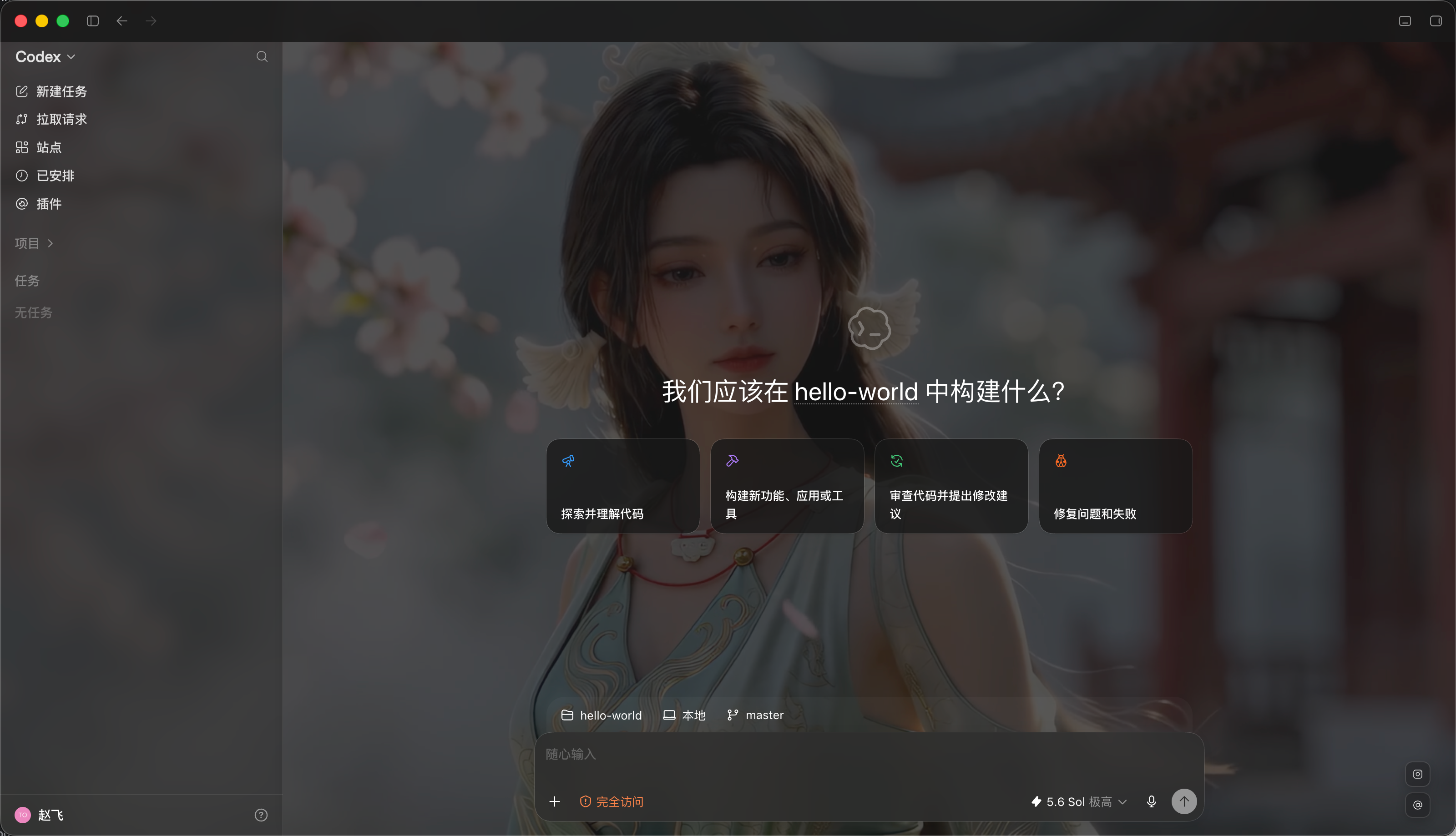
A video-friendly skin with transparent panels and native hover details.
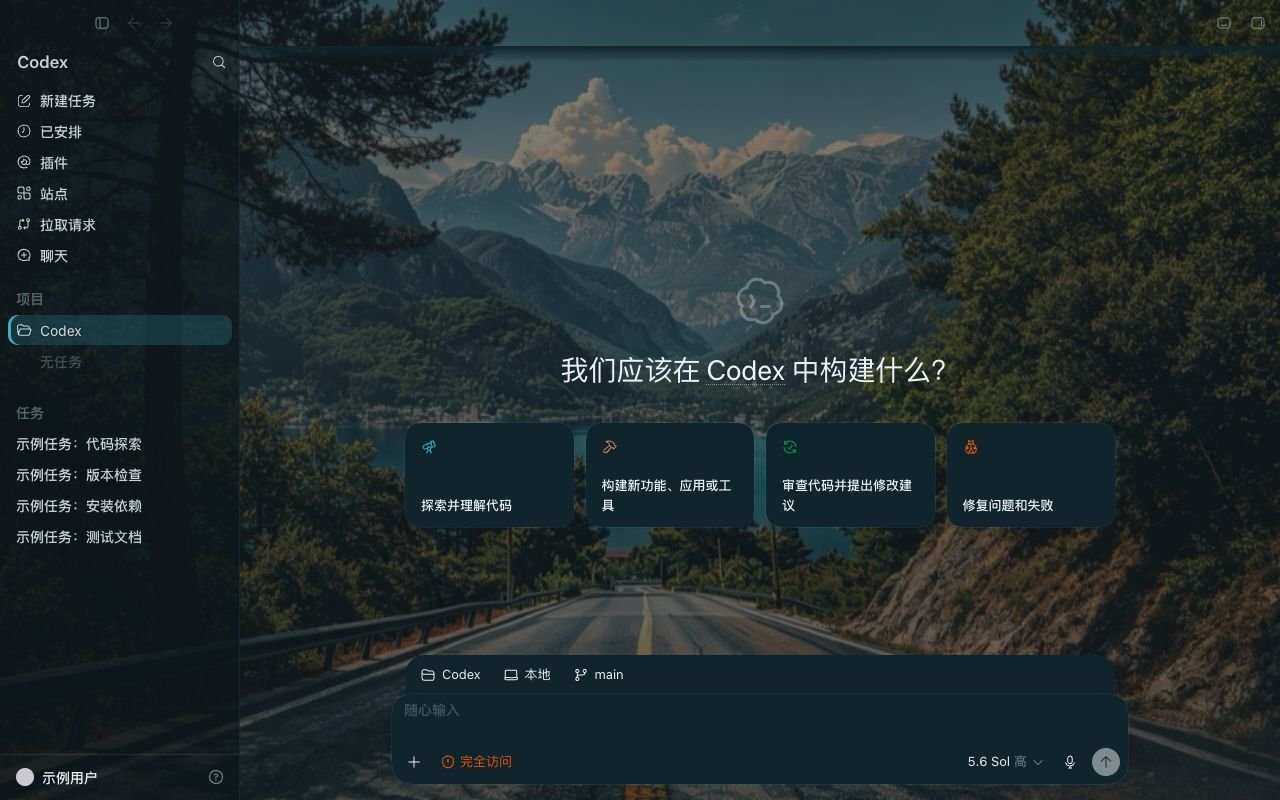
A dark mountain-lake workspace for a quieter late-night view.
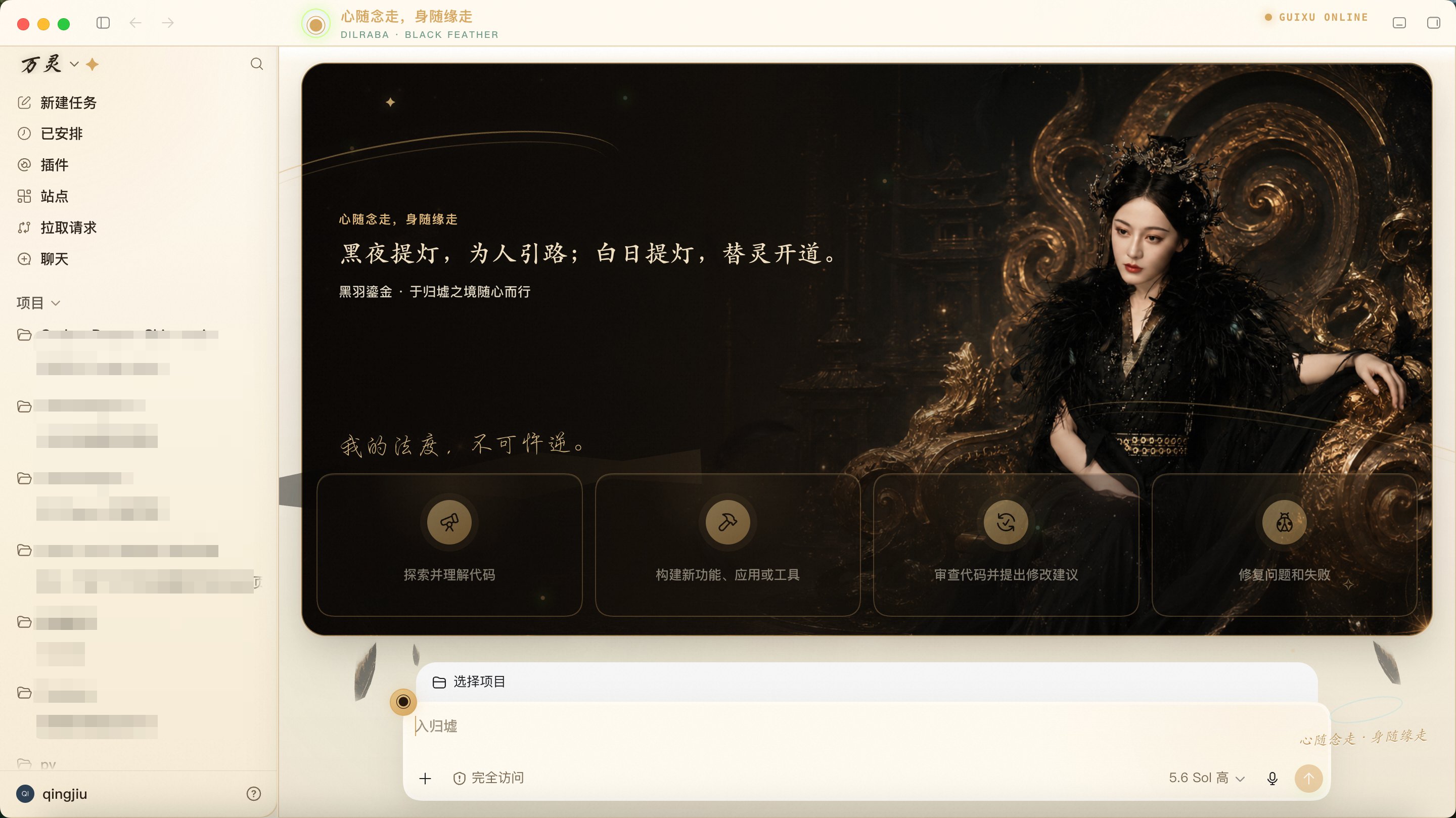
An elegant black-and-gold workspace with a dramatic editorial mood.
Published package? Install it. Visual reference only? Recreate it with the creator skill. The distinction keeps the experience honest.
A SAFE, REVERSIBLE FLOW
The Skill separates discovery, installation, application, status, and restore so a theme remains a choice you control.
The project-owned Skill keeps portable theme packages in a managed local directory, outside your project workspace.
The switcher checks the running Codex DOM before it reports a selected theme as active.
Reply `restore` to return to the native look, or roll back to the previous theme.
No. Only a published `.codex-theme` package is installable. A skin without a package is a design reference; use the creator skill to recreate its direction.
No. The project-owned runtime uses session-only style injection and does not alter app.asar, signed application files, WindowsApps, or authentication data.
The installer and switcher ask before restarting. If Codex already exposes its debugging endpoint, the Skill hot-swaps where possible instead.